Guide · Planning
Every exam under one plan.
Snap your syllabus, paste a schedule or add a calendar file. Memoraful puts every exam, practical and deadline in one place, keeps the next one on your Dashboard, and builds a day-by-day plan from the lectures each exam covers.
Calendar files and Manual plans are handled on your device, with no AI involved.
§ 1 · Import
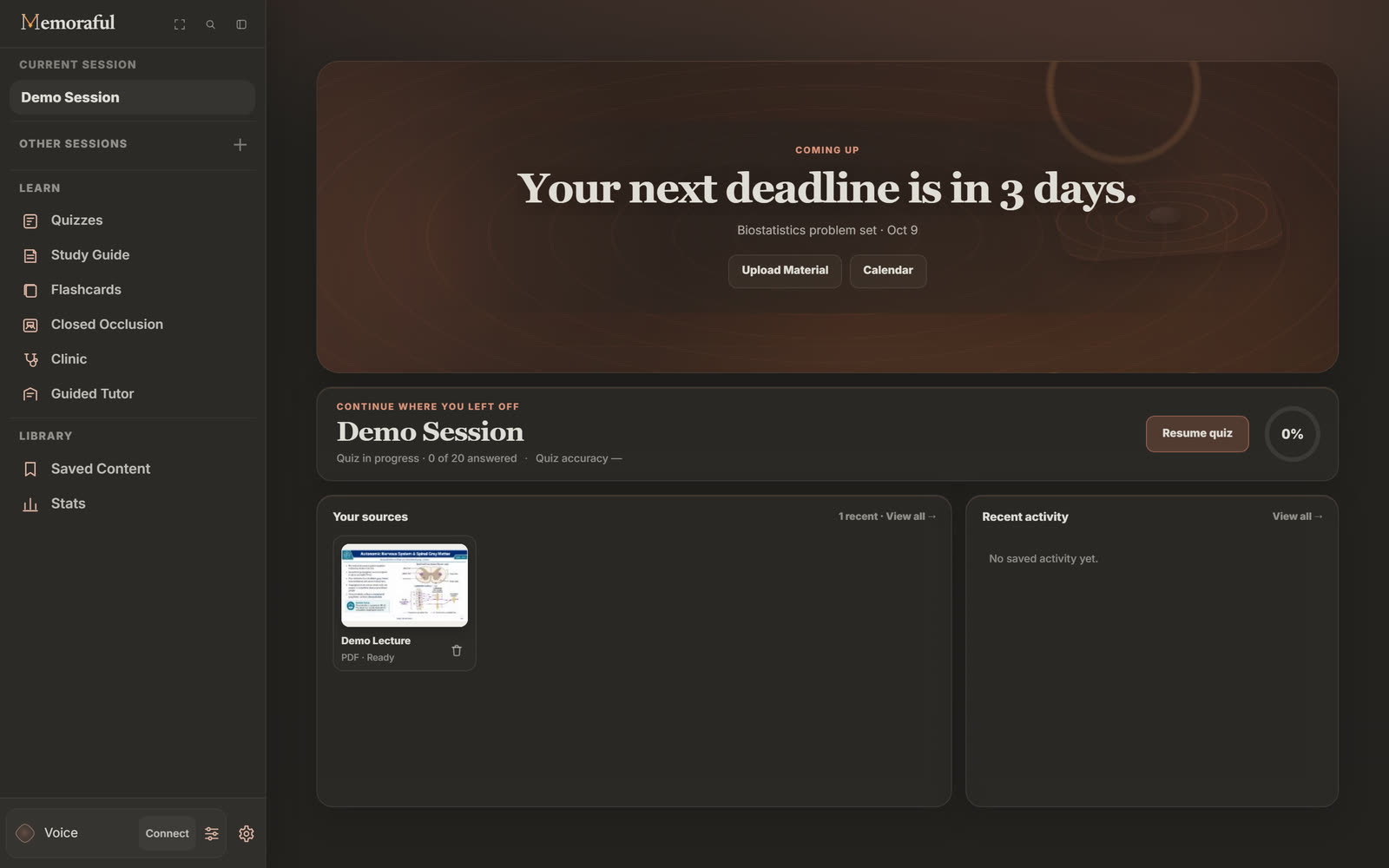
Bring your schedule in however it arrives.
- A screenshot or photo of a syllabus or course calendar: PNG, JPEG, WebP or HEIC.
- Pasted text from an email, a course page or a document.
- An .ics file exported from your school's calendar.
You review every event before anything is added. Reading a photo or pasted text uses AI; calendar files are read on your device.
Going the other way, Export downloads every event as one .ics file for Google, Apple or Outlook Calendar.
§ 2 · Calendar
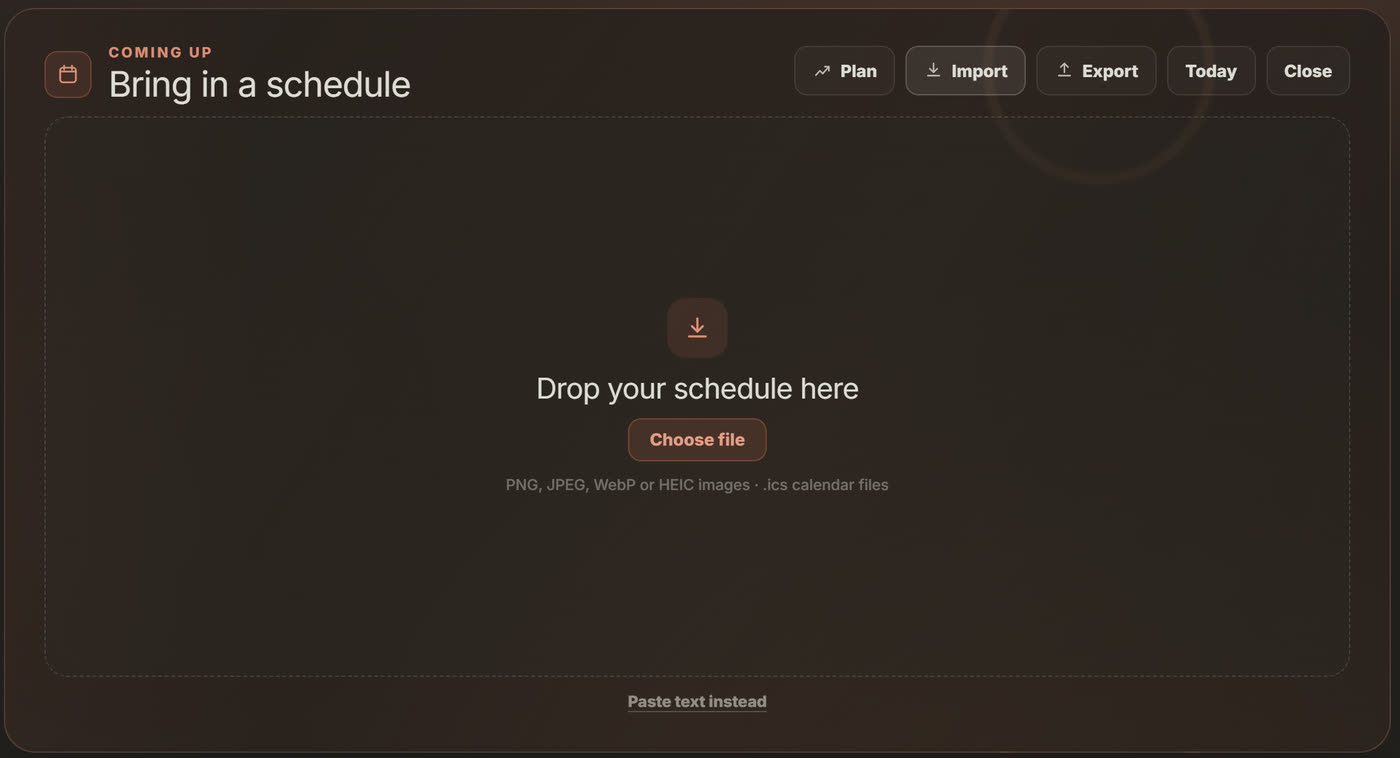
One month, every deadline.
The calendar lives on the Dashboard, so planning never takes you away from studying. Quick add puts an exam, practical, lecture, study block or deadline on a day in one line.
§ 3 · Study plan
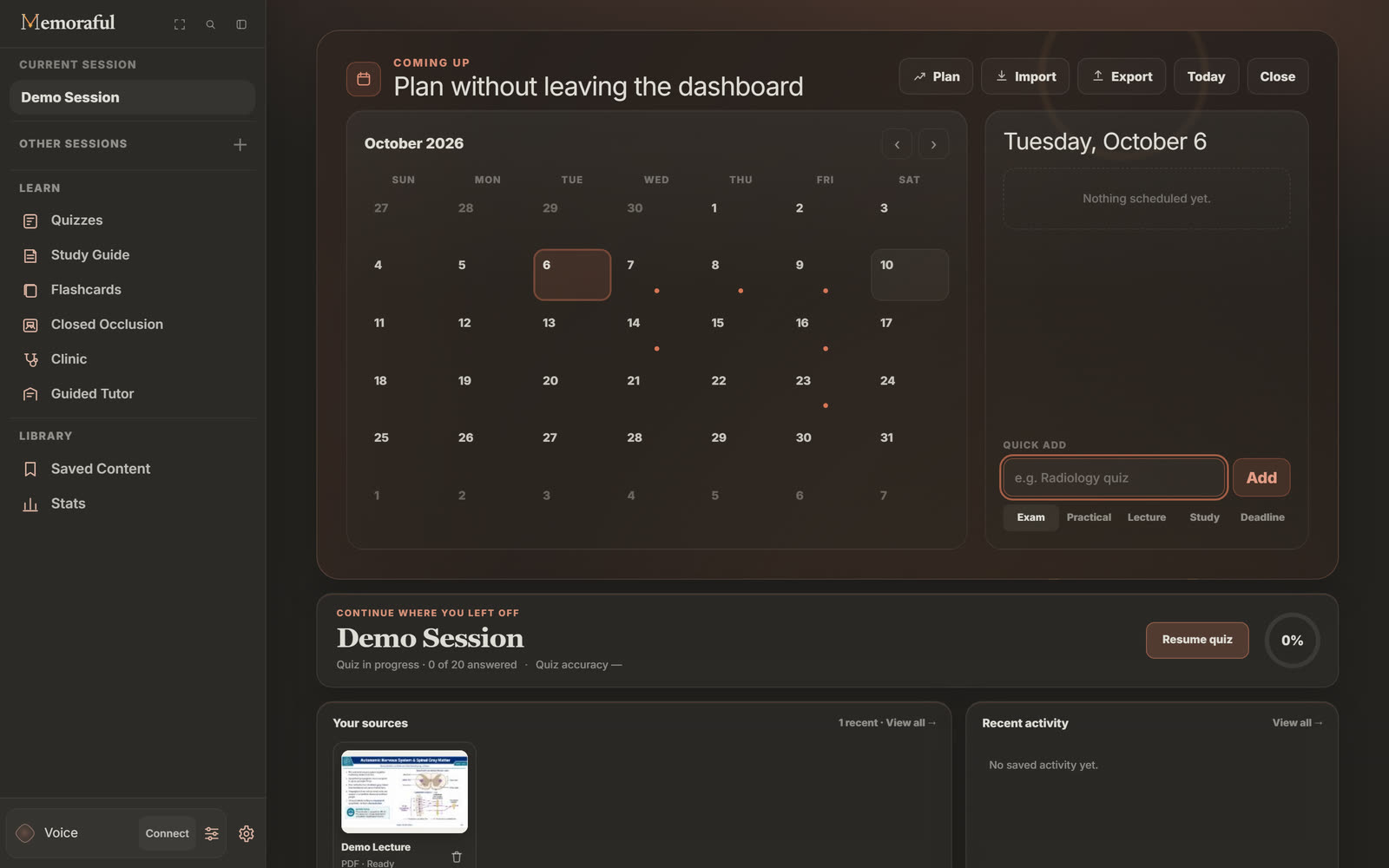
Plan backwards from the exam.
Plan turns the exams on your calendar into study blocks on the days before them.
- Pick the exams.Choose which upcoming exams you are planning for, or add one.
- Link the lectures.Tell Memoraful which lecture files each exam covers, so every block names what to study.
- Say when you can study.Choose the days of the week, how many hours a day, and whether to start today or tomorrow.
- Choose the extras.Add a timed practice exam the day before each exam, and put the lectures with the lowest quiz accuracy first.
- Build, check and add.Every lecture gets a first pass and spaced reviews before its exam. Nothing is written to your calendar until you press Add to calendar.
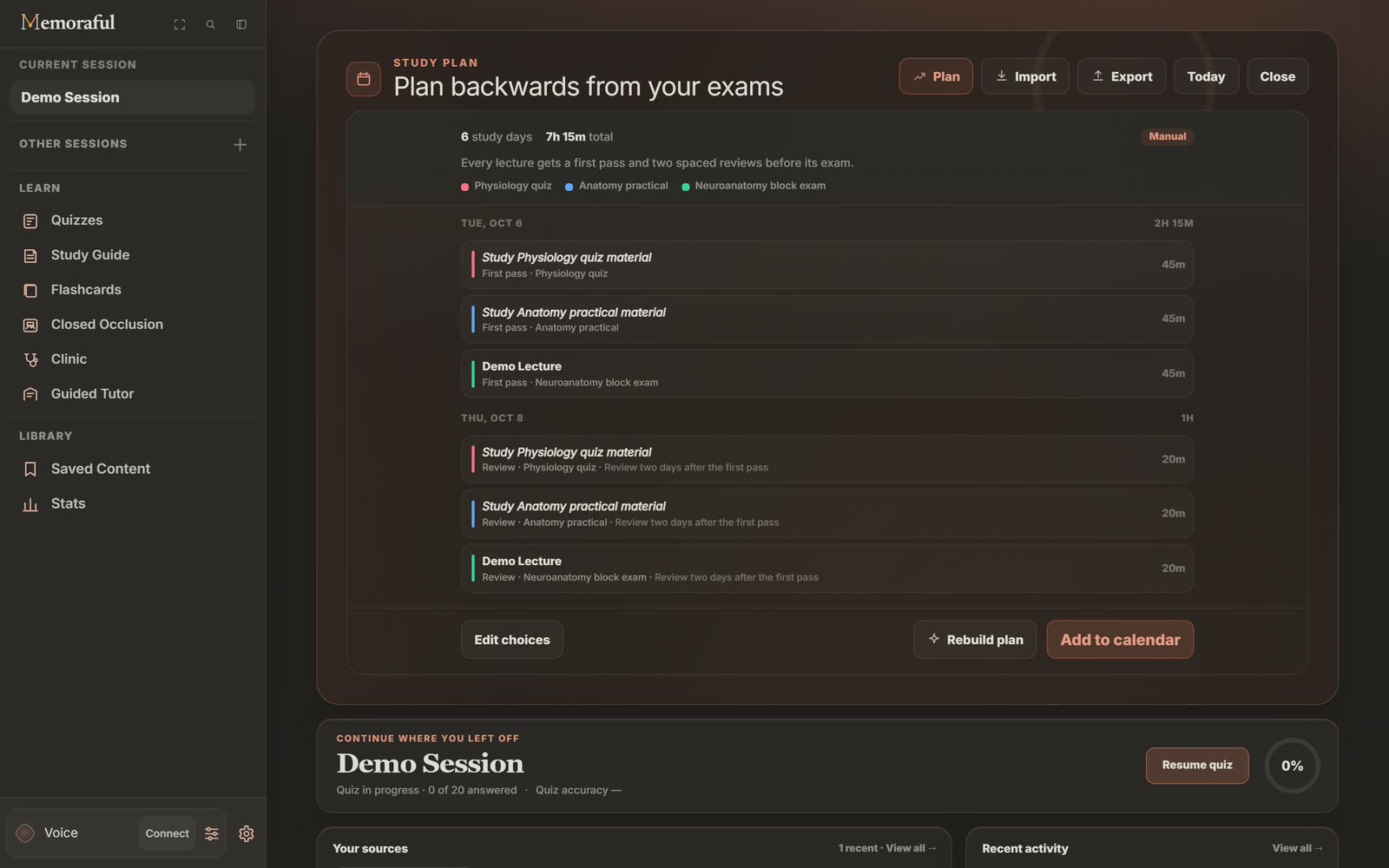
Manual or Auto. A Manual plan is built on your device from your choices, with no AI. An Auto plan asks the AI to arrange the same kinds of blocks and takes your quiz accuracy into account where it has it. Either way you can edit your choices and rebuild as often as your schedule changes.
§ 4 · Who it is for
Any course with a syllabus.
Block exams in medical school
Link each block's lectures and let the plan space a first pass and two reviews before exam day, with a practice exam the day before.
Nursing and PA programs
Practicals, quizzes and clinical deadlines sit on one calendar, so the next one is always the first thing you see.
Undergraduates with four courses
Photograph each syllabus at the start of term and review the dates once. Midterms stop arriving as a surprise.
Anyone who already lives in Google Calendar
Bring your school's .ics file in, and export your plan back out when you are happy with it.
§ 5 · Questions
Before you plan.
What can I import?
Screenshots or photos (PNG, JPEG, WebP or HEIC), pasted text, and .ics calendar files. You review every event before it is added.
Does importing a photo use AI?
Yes. Reading a photo or pasted text uses AI to find the dates. Calendar files are read on your device, and Manual study plans are built on your device too.
Will it change my Google Calendar?
No. Memoraful keeps its own calendar. When you want your events elsewhere, Export downloads them as an .ics file for Google, Apple or Outlook Calendar.
What if my schedule changes?
Edit your choices and rebuild the plan. A plan you added to your calendar can be removed again from the same place.
Can I add events by voice?
Yes, with Voice connected. Say something like "add my anatomy practical on the 16th". Voice runs on your own free Google Gemini API key.
More guides
Keep going.
Know what to study tonight.
Bring your schedule and your lectures. Memoraful lays out the days in between.